Query Sharing
Share queries and notebooks via encrypted links.
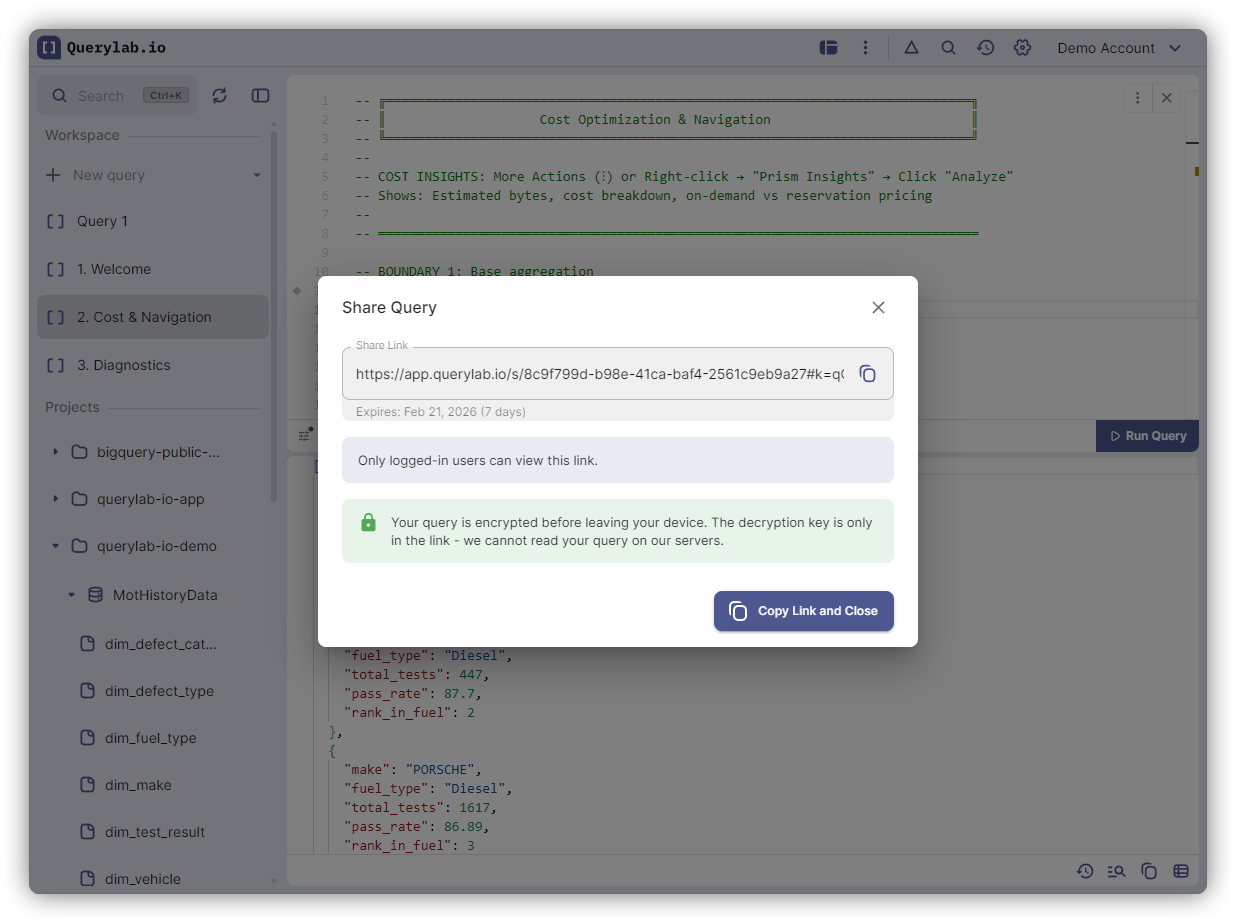
Share a Query
- Click Share button in toolbar
- Copy the generated URL
- Send via Slack, email, docs
URL format: https://app.querylab.io/s/{id}#k={key}
Security
Your queries are encrypted directly on your computer before leaving your browser. The encryption key is embedded in the URL fragment (after the # symbol) and never sent to Querylab.io servers. We only store the encrypted data and cannot decrypt or read your SQL.
- Client-side encryption: Queries encrypted in your browser before transmission
- Key stays with you: The decryption key only exists in the URL you share
- Configurable expiration: Choose how long links remain active (default: 7 days)
- Organization-aware: If you're in an org, shares are restricted to members
What Gets Shared
Shared links include SQL text, tab name, and parameters.
Notebook Sharing
Share entire SQL Notebooks — all cells, variables, and configuration. Recipients can open the notebook and run cells with their own credentials.
Opening Shared Queries
- Click the share URL
- Query opens in editor
- Configure your project/dataset if needed
- Run with your credentials